Marketing- General Settings tab
The General Settings tab within the Marketing layer is where the lender inputs their organisations brand template, colours and their Merchant details.
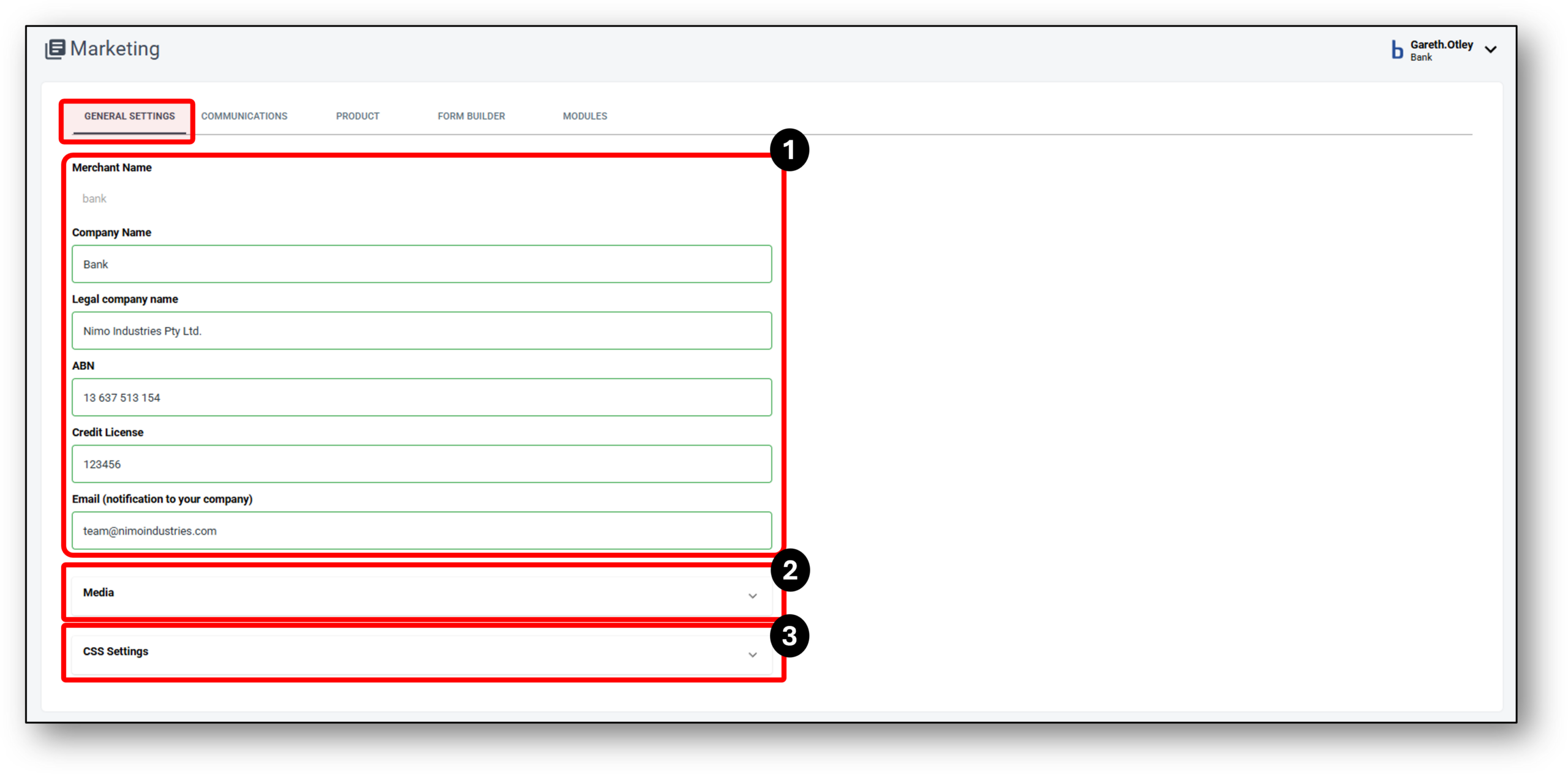

1. Merchant Details
The ‘Merchant‘ detail will be setup when you first onboard with Nimo. Five of the six fields are editable and can be changed and saved if need be by your organisations Superuser which are:
- Company Name
- Legal Company Name
- ABN
- Credit License
- Email (Notification to your company)
2. Media
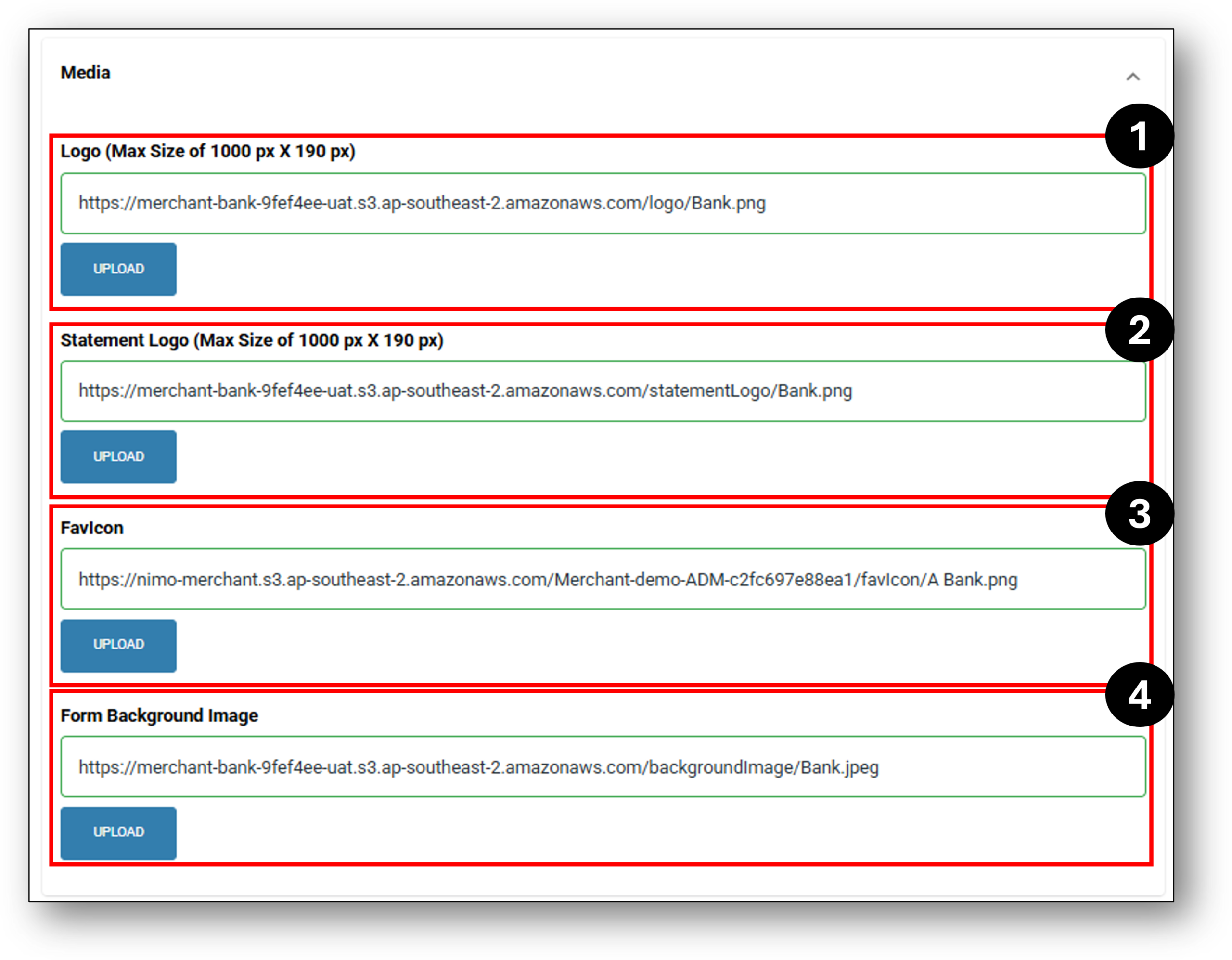
The Media section contains the input section for the organisations image branding:
- The organisation’s logo upon login
- The statement logo
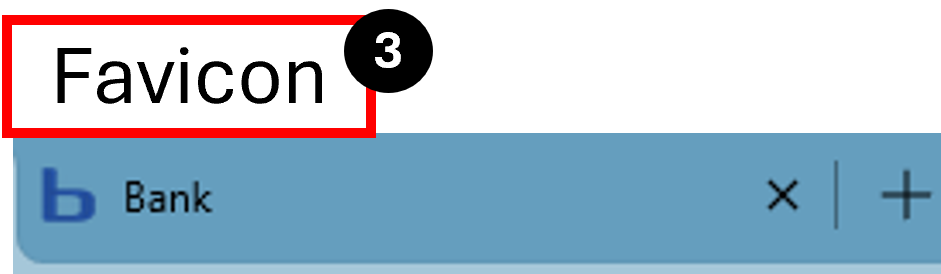
- Favicon
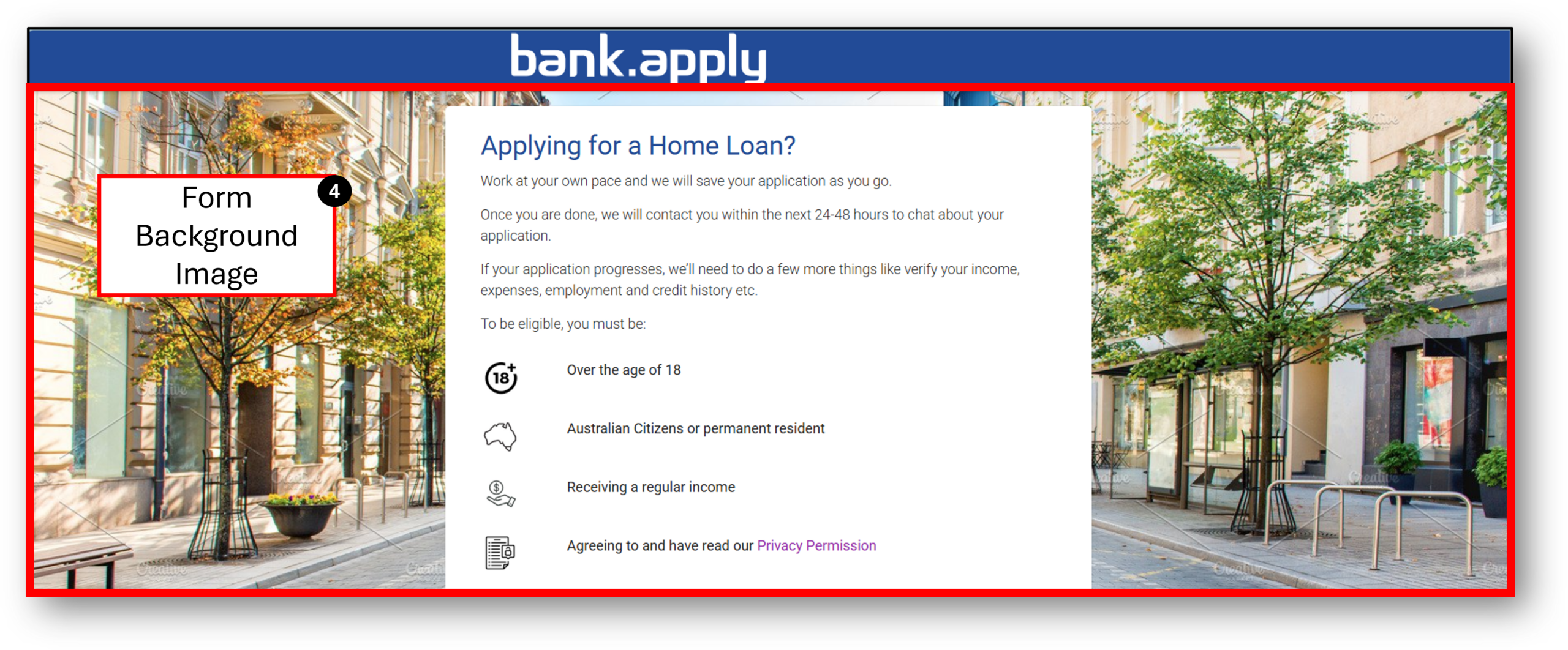
- Form background Image
1. When logging in as a Nimo user, your organisation’s logo will be in the top right-hand corner.
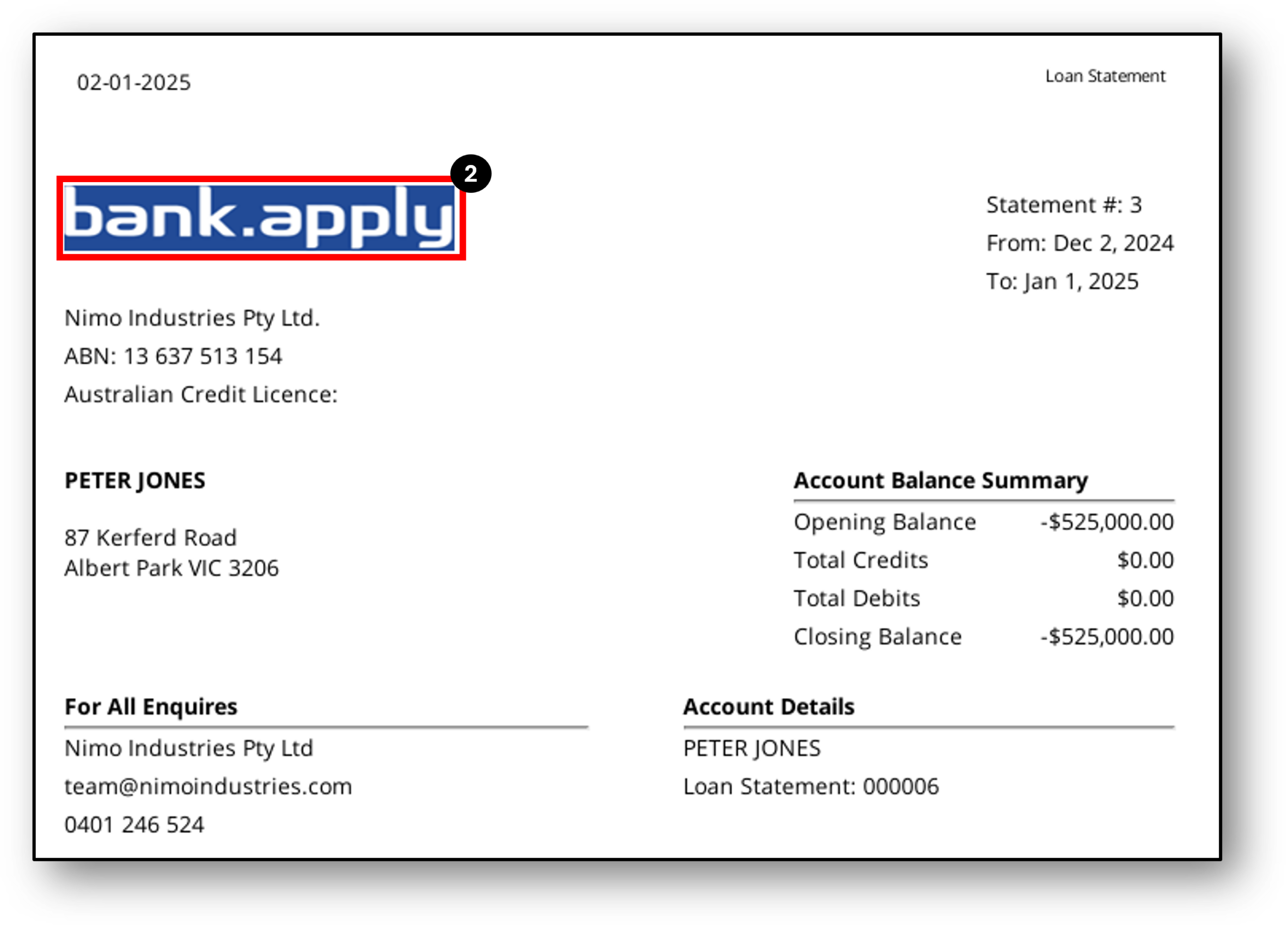
2. Your organisation’s logo will appear in the top left-hand corner of the customers’ statement.
3. The Favicon is a little icon that appears on the top of browser windows for different platforms. Your organisation will have the ability to load their own favicon to tailor the browser look.
4. Each organisation can tailor the background image based on their branding preference.
3. CSS Settings
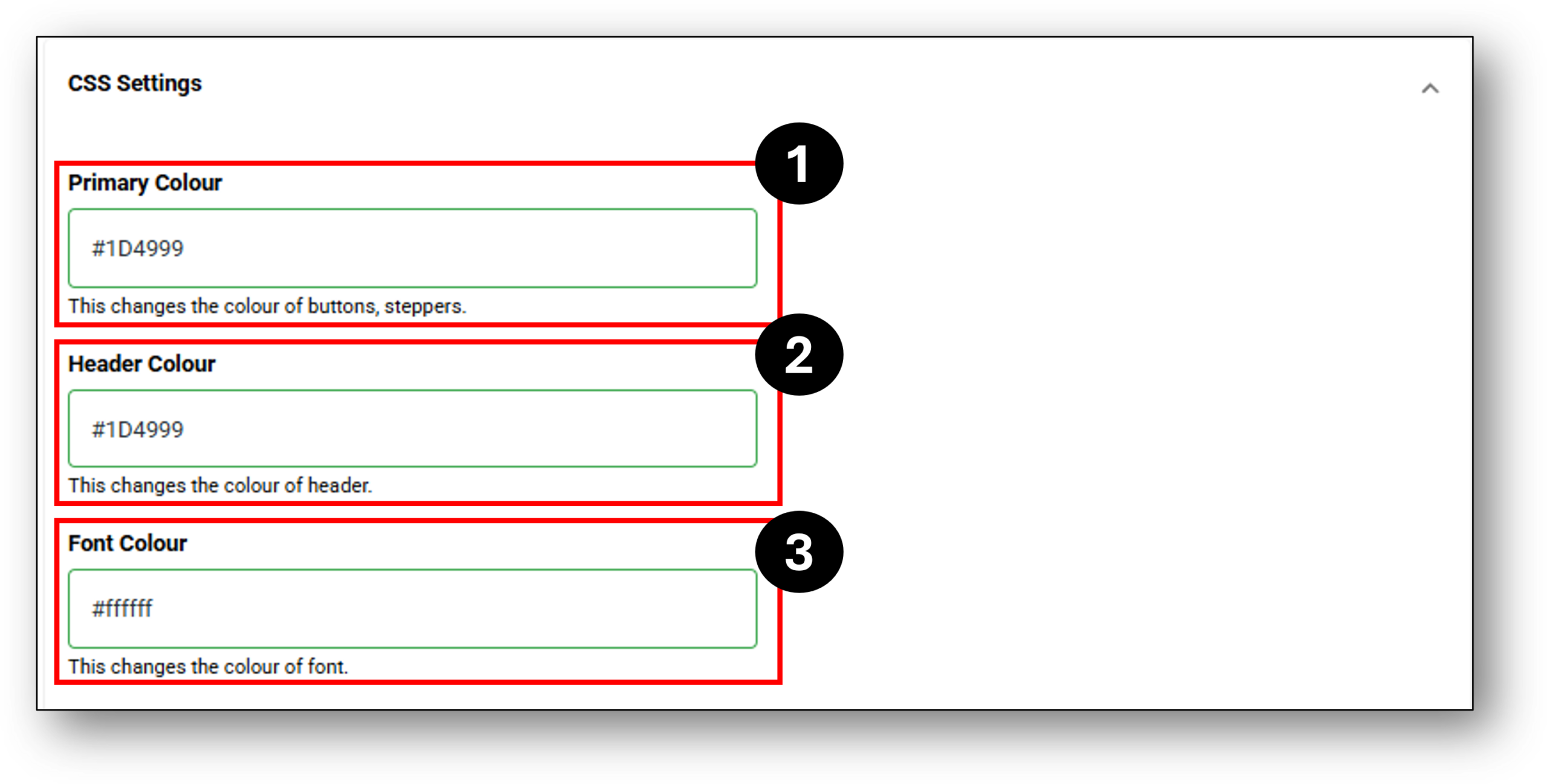
,,The CSS Settings relate to the Cascade Style Sheet settings of the customer enquiry form. There are three editable fields:
1. Primary Colour
2. Header Colour
3. Font Colour
Primary Colour – The primary colour is where your organisation’s branding can control the colour of some of the interactive elements of your customer form as seen from the images below or the list;
- ‘Previous’ & ‘Next’ buttons,
- The ‘Save’ button on the top left of the form,
- The stepper circle colour in the top left (if turned on),
- Any buttons used for ‘selecting’ a property or ‘adding’ a property etc, and
- Any other external buttons to the form.



Headed Colour – The headed colour references the banner strip across the top of the form.

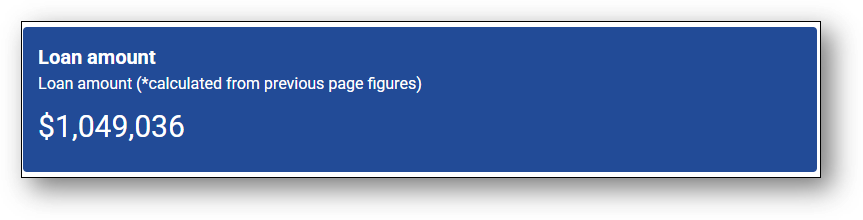
Font Colour – The font colour is where your organisation controls the font colour on some of the form dynamic elements like in the image below.
Frequenty Asked Questions
1. What if we rebrand and need to change our 'Merchant' name
The only field that can’t be edited is the Merchant Name. This can be changed in the back end of Nimo’s systems through raising a Jira ticket. We would be happy to help.