
Servicing – Details tab
This tab provides the user with the ability to view or modify key details of the customer.
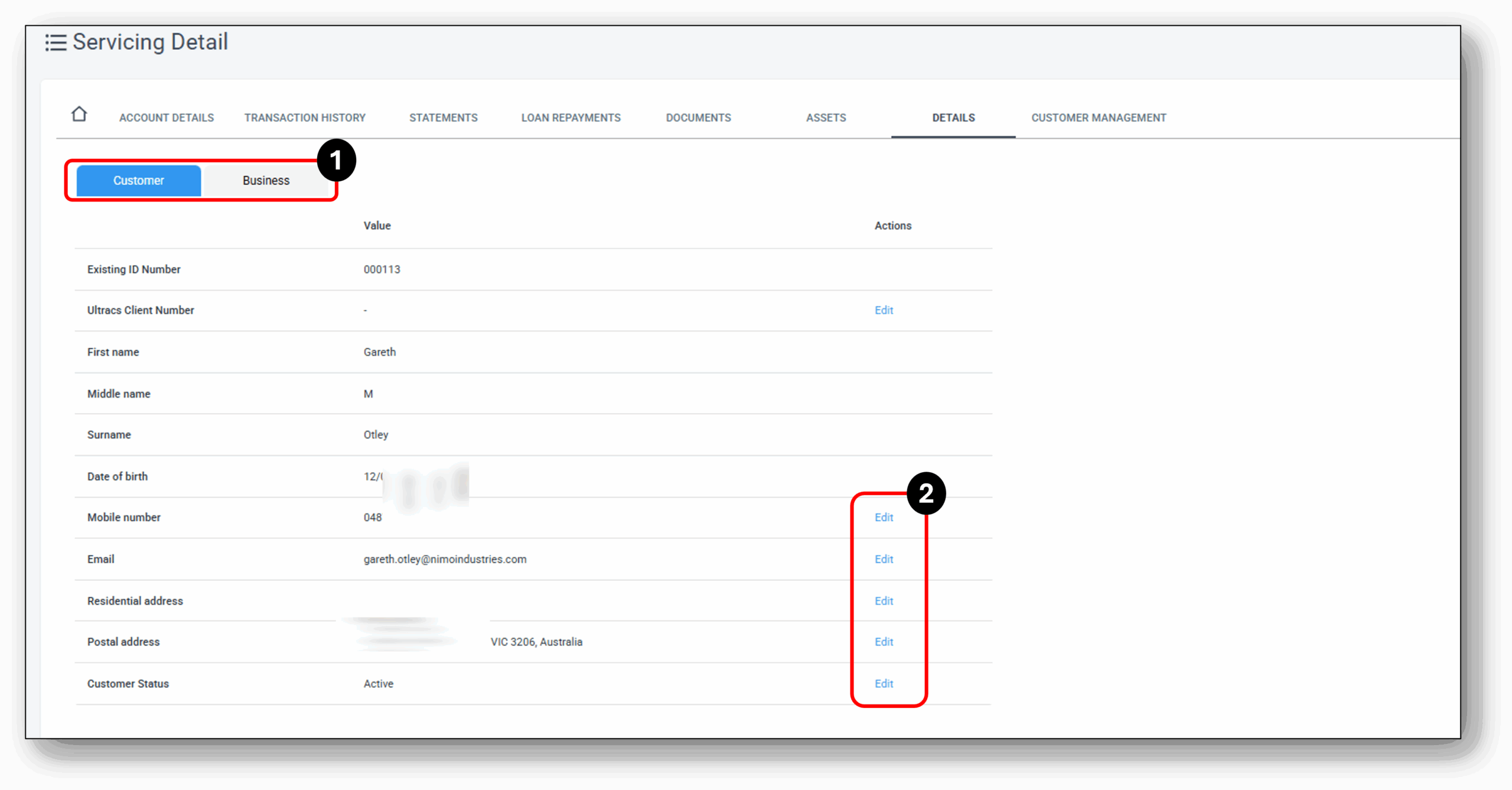

1. Customer Type
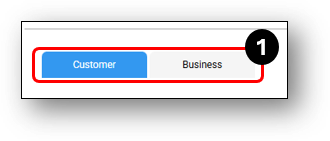
The customer details tab houses key details pertaining to the customer. If the customer is part of a Business Loan, you will see two tabs at the top ‘Customer’ & ‘Business’.
Under the business tab – You will see their details as captured through the application stage. Common examples include; Directors, Guarantors, Sole Traders, Company Trustees, Power of Attorney’s etc. The details under the business tab won’t have the ability to be modified.
Under the Customer tab – You will see a range of key identifying details.
2. Edit
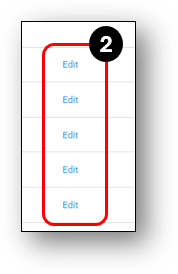
The customer details section has the ability to update some of the key personal information of the customer that may change over time. Details are as follows:
Static values are:
- Customer number,
- Name,
- DOB
Dynamic values are:
- Mobile Number,
- Email,
- Residential Address
- Postal Address, and
- Customer Status (Active, Inactive, Deceased)