Risk – Delinquency tab
The Delinquency tab allows users to setup and modify Delinquency rules, for loan servicing teams handling overdue or past-due accounts. The rules will automate tailored communications using either email or SMS to your customers at selected stages of an overdue account. The rules can also be set to apply overdue charges.
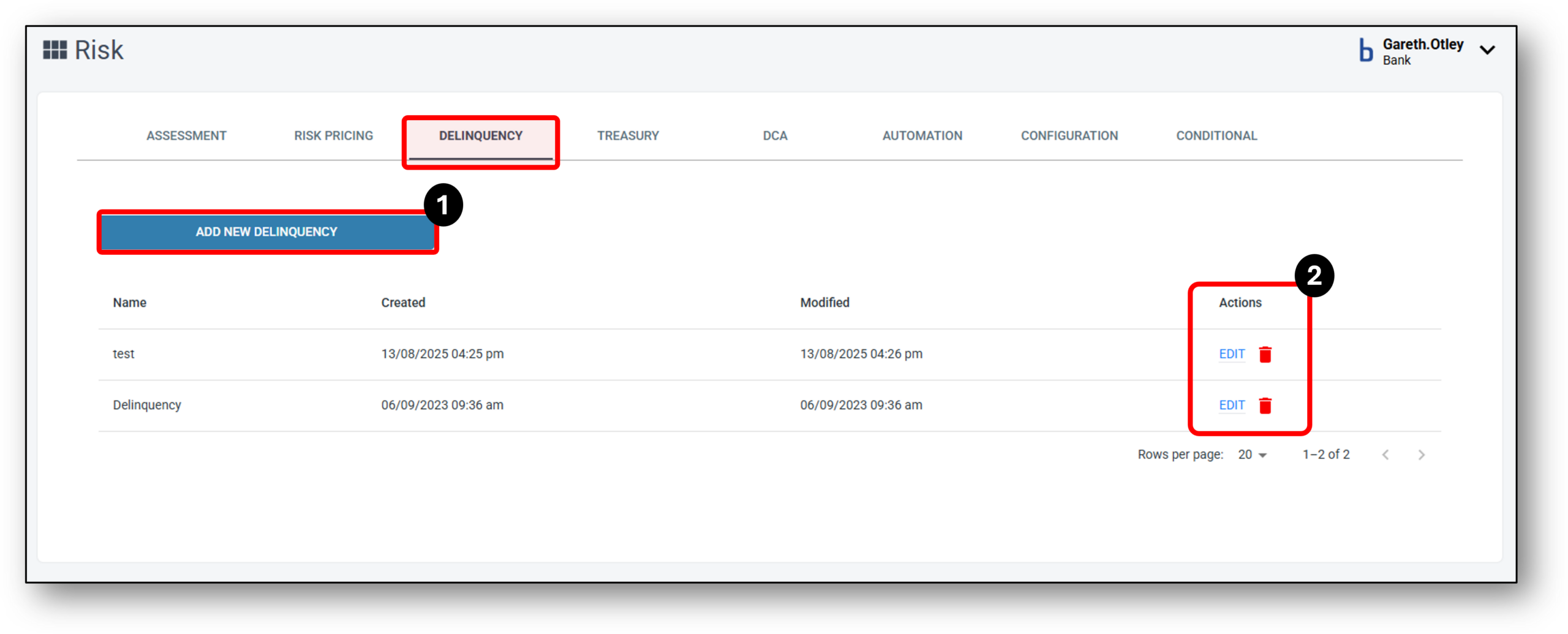

1 - Add New Delinquency
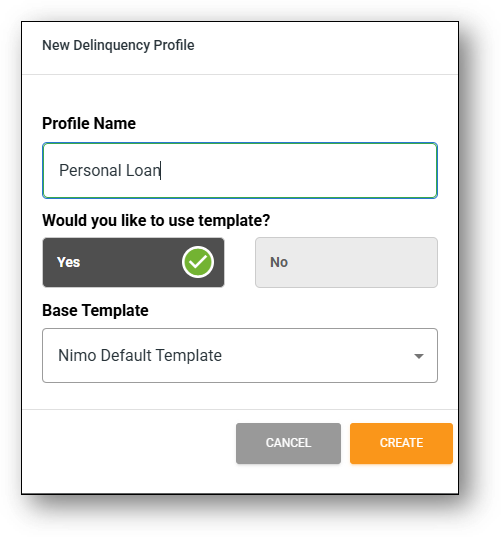
To add a new delinquency profile, businesses can navigate to the Delinquency tab within the Risk section. Clicking on Add New Delinquency opens a dialog box prompting the user to enter a name and select whether to use a template. Users should be able to select the Nimo Template, which is available as an ‘out-of-the-box’ option to duplicate. As a new profile is created, this can also be used as a template for any other rules that are setup in the future.
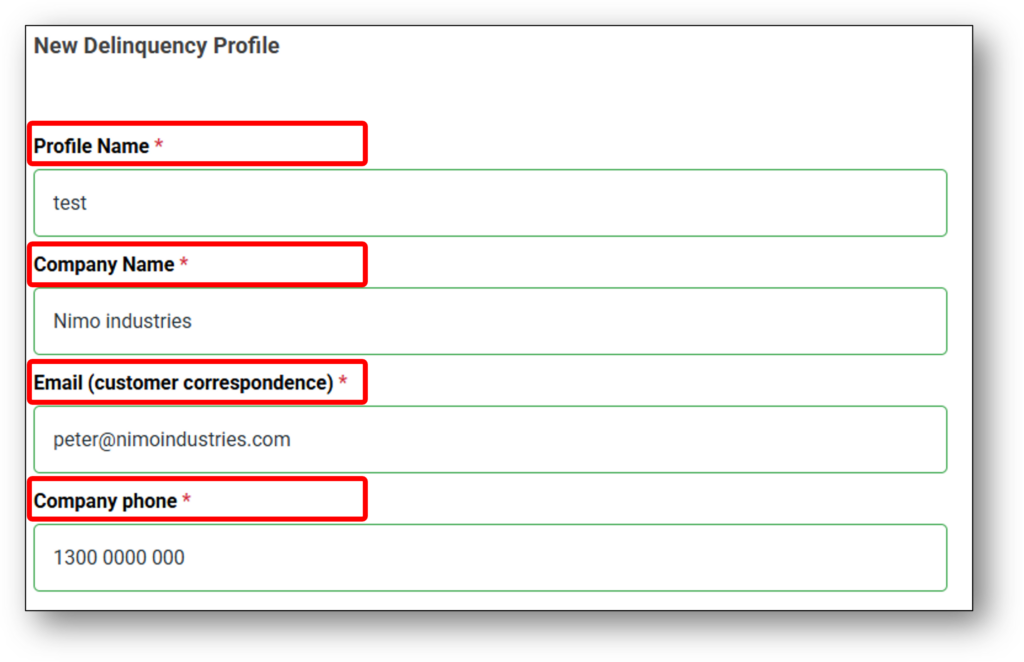
When you create a new delinquency profile, the detailed configuration view will open. All fields are pre-populated based on the selected template (if one was used), otherwise the organisation’s details will need to be entered for the customer communications. Users will be able to customise each section as needed to fit their specific requirements.
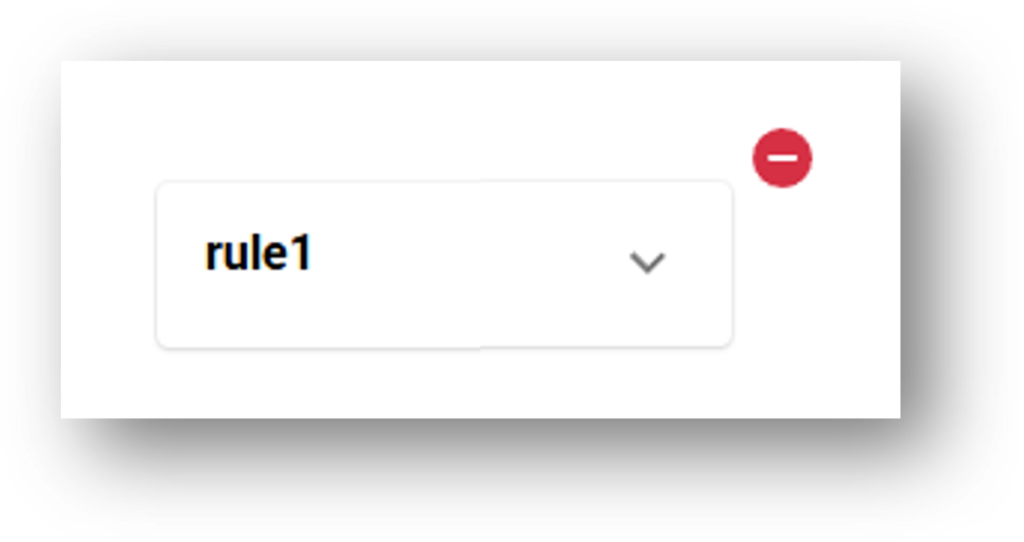
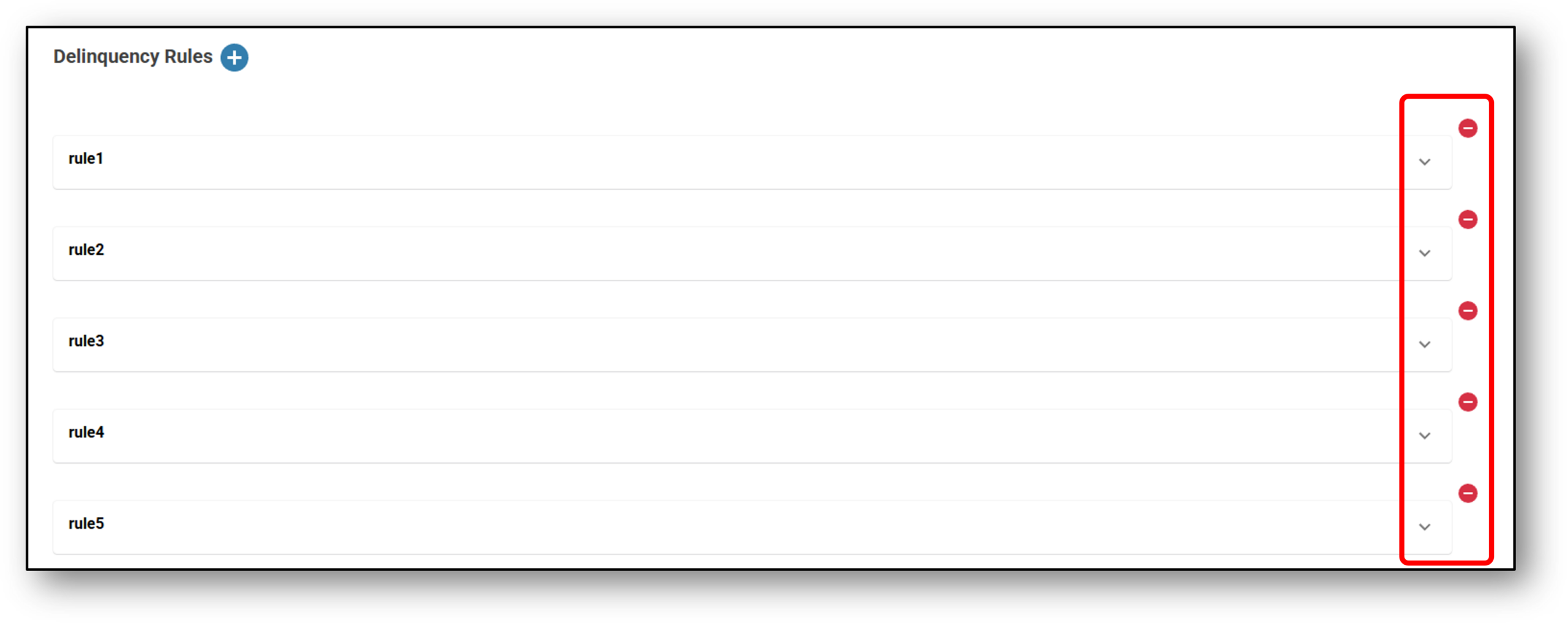
Once the company profile is setup, users can start either editing rules (see image below) by selecting the down arrow (if a template was selected), or create new rules by selecting the ‘Delinquency Rules +’ button (see image below).
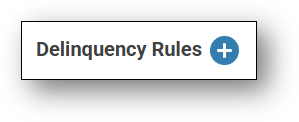
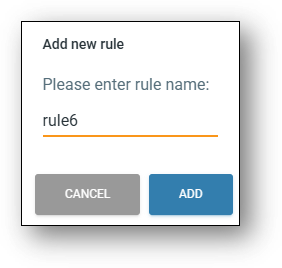
Firstly, Enter the name of the new rule (see image below):
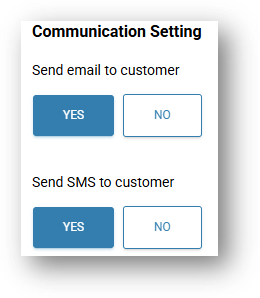
Next, select the type of communications to be applied in the ‘Communication Setting’ section (see image below):
- Send email to customer – Yes/No
- Send SMS to customer – Yes/No
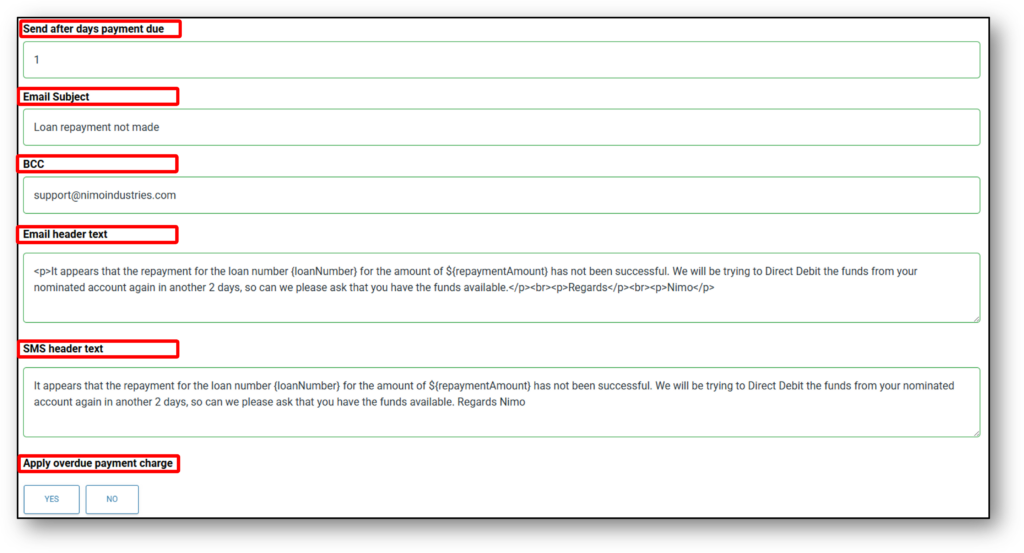
Next, the below fields can be customised for the rule (see image below):
E.g.
- Send after days payment due – 1
- Email Subject – Loan repayment not made
- BCC – support@nimoindustries.com (If you are wanting to send a copy of the correspondance to a separate team’s mailbox).
- Email Header Text – <p>It appears that the repayment for the loan number {loanNumber} for the amount of ${repaymentAmount} has not been successful. We will be trying to Direct Debit the funds from your nominated account again in another 2 days, so can we please ask that you have the funds available.</p><br><p>Regards</p><br><p>Nimo</p>
- SMS Header Text – It appears that the repayment for the loan number {loanNumber} for the amount of ${repaymentAmount} has not been successful. We will be trying to Direct Debit the funds from your nominated account again in another 2 days, so can we please ask that you have the funds available. Regards Nimo
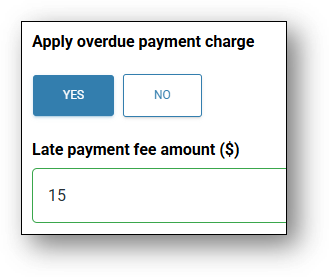
- Apply Overdue Payment Charge – Yes/No
- Late payment fee amount ($) (if previous question is ‘Yes’) – $__
NOTE: Automated notifications will only be sent to the customers when their delinquency status is set to Active.
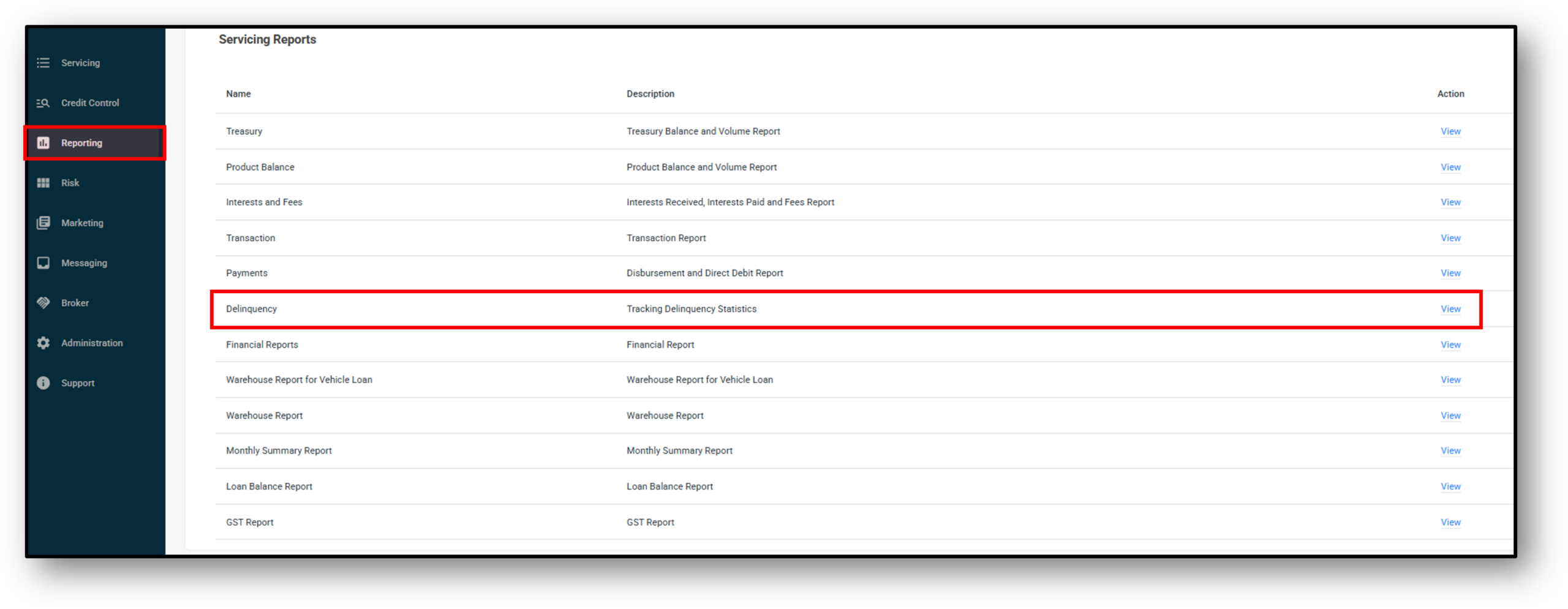
To enable this, please follow the steps directly below (further detail and screenshots in the accordion below titled ‘Delinquent status set to ‘Active’):
Reports → Delinquency (under Servicing Reports) → Set status to Active.
2 - Actions/Edit (rule)
When editing a pre-existing rule, Follow the same process and steps as adding a new rule, except instead of adding a new rule, select the pre-existing rule by dropping down the rules fields to edit. To delete a rule simply click the red ‘Minus’ symbol and then ‘Save’ at the bottom.
NOTE: Deleting a rule can not be undone once it’s saved.
Delinquent Status set to 'Active'
Once the rules have been set up or edited the individual customers need to be set to active to enable tothe notification process. To make them active, you will need to go into the Servicing layer > Servicing reports > Delinquency
Use the search function to find the customer you wish to enable the rules for. Click on the red ‘Inactive’ status to make it a blue ‘Active’ status.
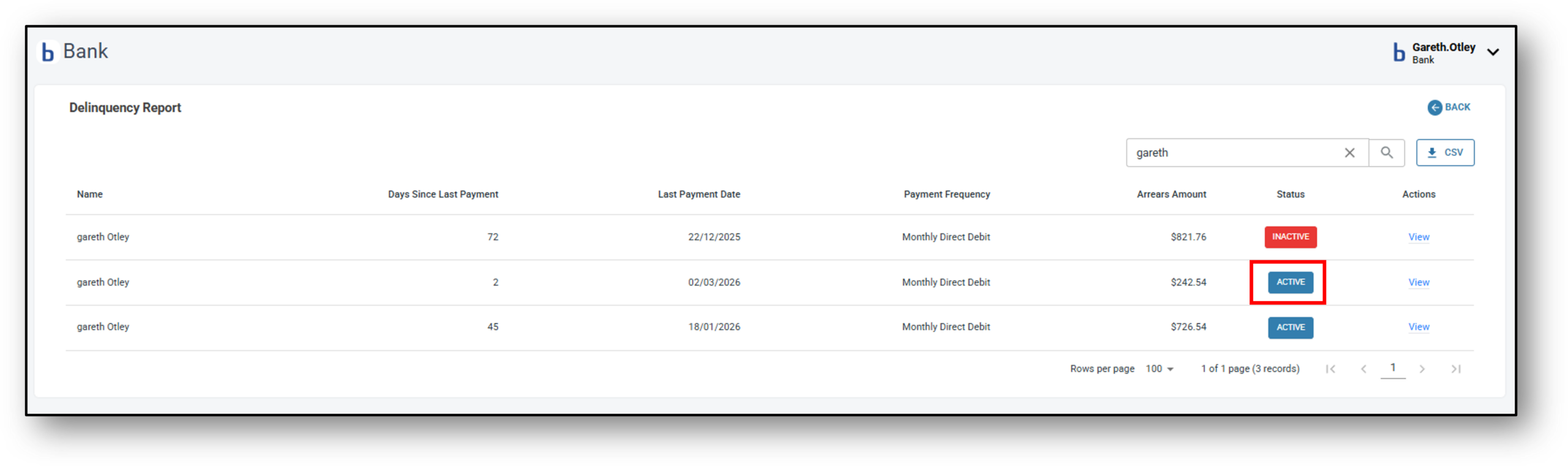
Now your delinquency rules will be active for this customer and the notifications that you have set up will be sent to the customer as per the rules in place.