Risk – Configuration tab
The Configuration tab focuses on monitoring and handling overdue or past-due accounts.
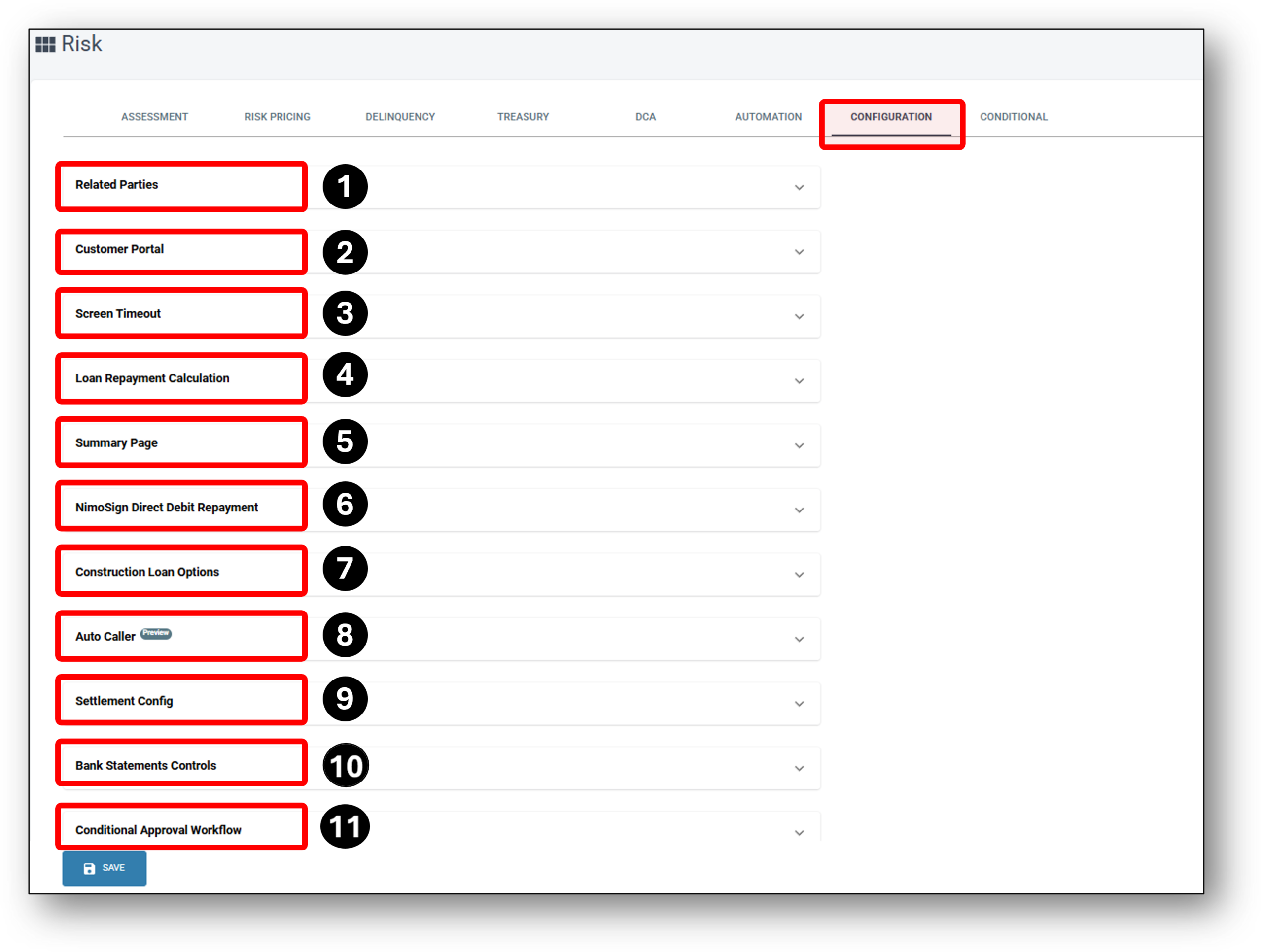

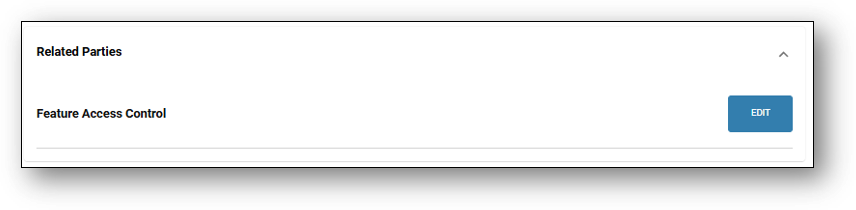
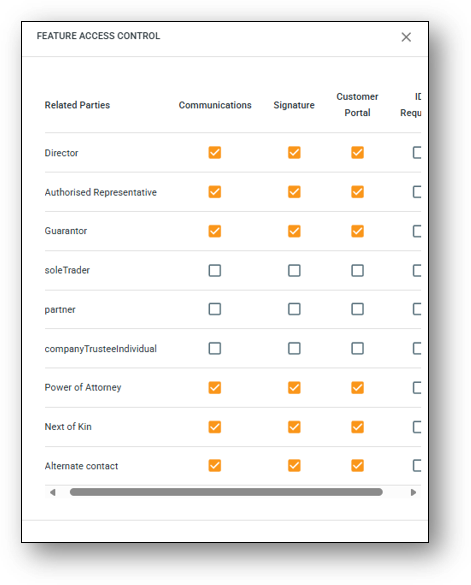
1 - Related Parties
2 - Customer Portal
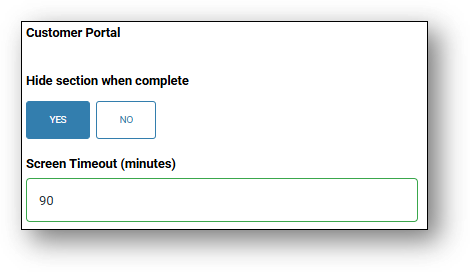
3. Screen Timeout
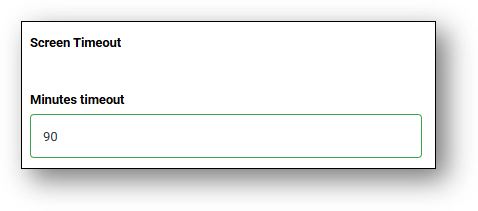
4. Loan Repayment Calculation
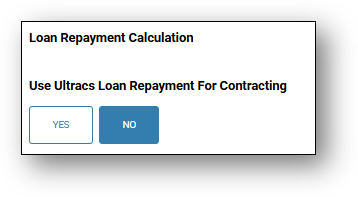
5. Summary Page
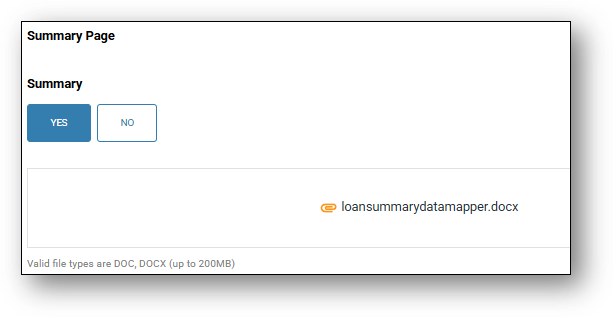
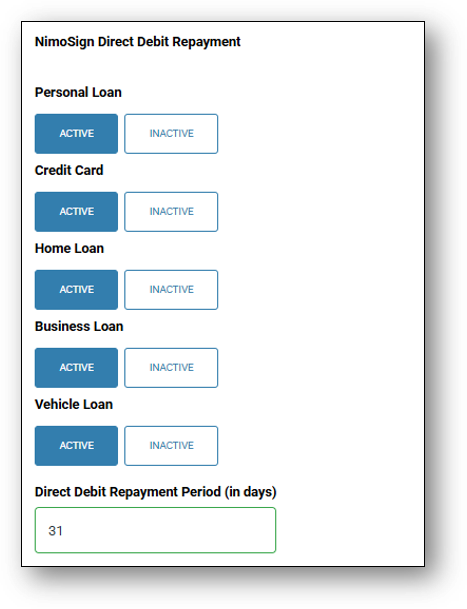
6. NimoSign Direct Debit Repayment
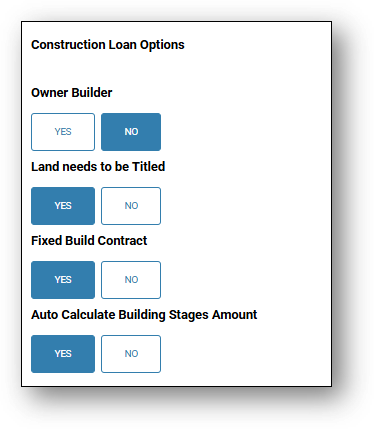
7. Construction Loan Options
8. Auto Caller (Preview)
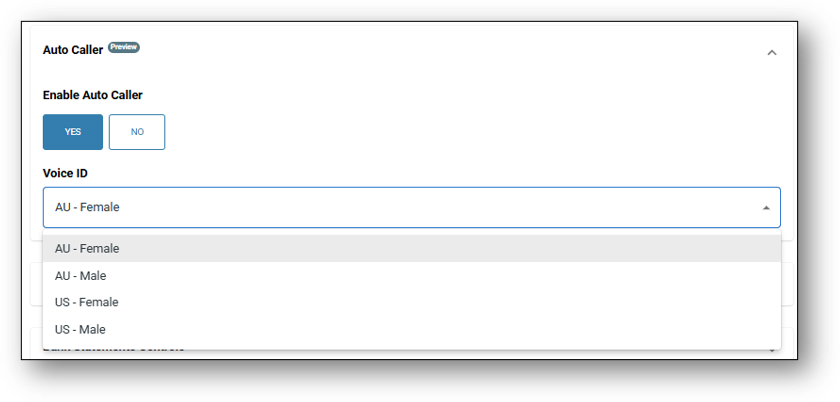
What is it? – The Auto Caller is some very clever functionality using AI tech which allows lenders to enable or disable an automated calling function linked to the loan application form. Lenders can configure specific yes/no questions for applicants. During the call, the Auto Caller asks these questions, records the applicants’ responses, and makes them available for review in either the Application or the Assessment layer for the lender.
NOTE: Speak to us about setting up the functionality first, as it’s a tailored solution we can offer your business
What can it help you achieve? – It was initially scoped and designed for those times that you can’t reach customers by phone or during business hours inevitably delaying the progress of a loan application. Auto caller will help you collect application information from customers digitally and pull it through to the application for the lender to review. This way you can keep the process moving and reduce delays.
What’s the CX? – The customer can answer loan-related questions through a secure mobile form, that uses MFA, and they can do it at a time that suits them. This way they can also keep their application moving without needing to find time to make or answer a call.
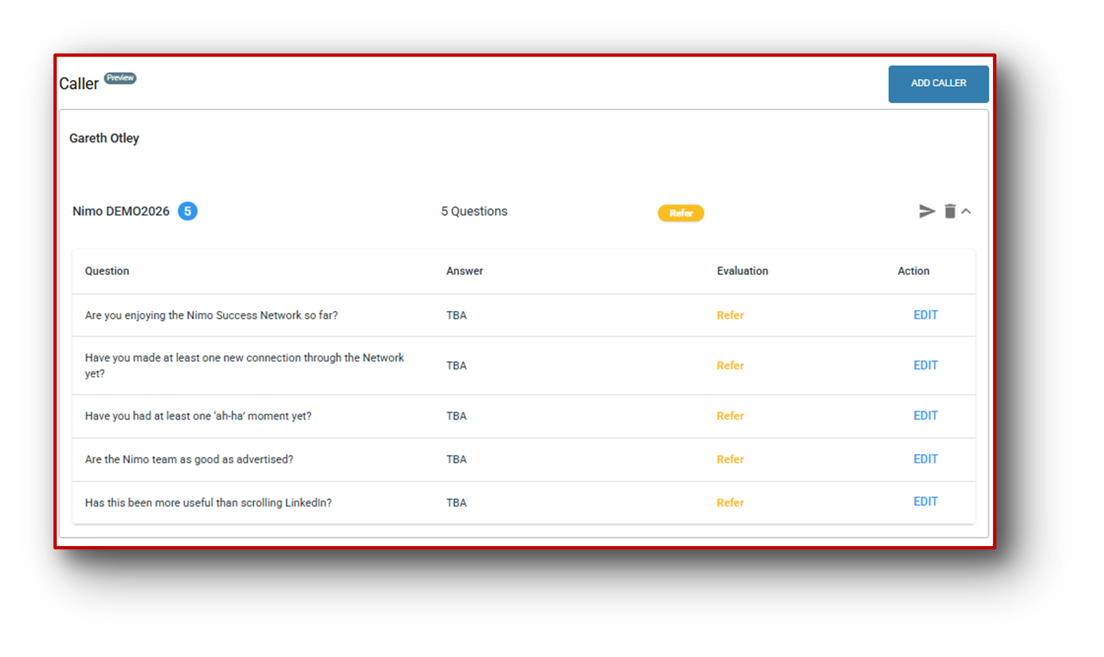
After the customer recieves the branded SMS, Email (or both), all configured first by the lender of course. The Customer then logs into their customer portal, exactly like they would if you were requesting a document from them.
Consent screen and Question Flow – When the customer logs into the customer portal, under the “To Do” section will be an option to make a call to answer several questions (the amount determined by the lender). A dialog box now opens, consent is gathered through narration and visual confirmation. The chatbot reads the disclaimer aloud, shows it on screen, and continues.
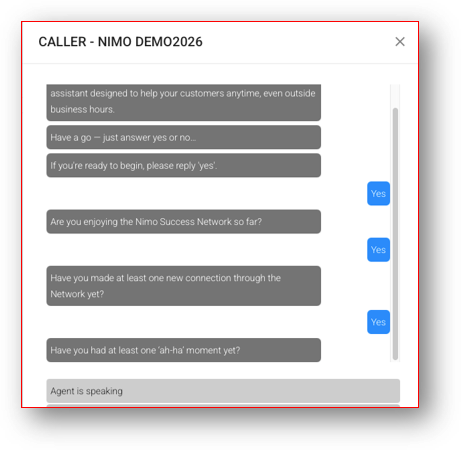
Question Flow
Each question is delivered visually (in a chat style bubble) and via an AI voice (Text-To-Speech). Users respond by speaking or tapping their response from the available options. The system detects input and proceeds automatically. No “Next” buttons, no manual progression. If the response isn’t a ‘Yes‘ or ‘No‘ then it will ask the questions again.
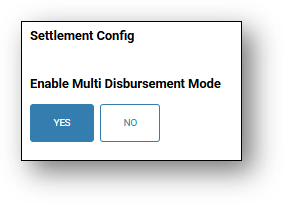
9. Settlement Config.
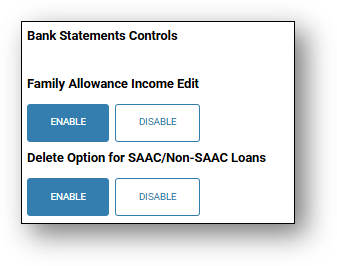
10. Bank Statement Controls
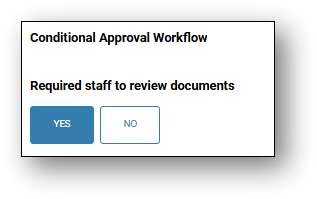
11. Conditional Approval Workflow
Policy Exemption
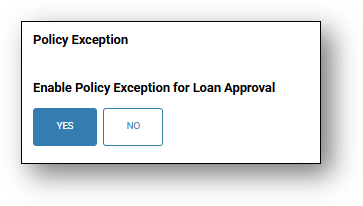
The Policy Exception configuration (see Image 1) can be used prior to approval to refer an application to the appropriate delegated authority for completion of all policy checks before loan approval. This configuration helps to strengthen governance and risk management by preventing loans from being approved without full policy validation and consequently reduces the risk of post-approval rework, exceptions, or audit findings.
Image 1
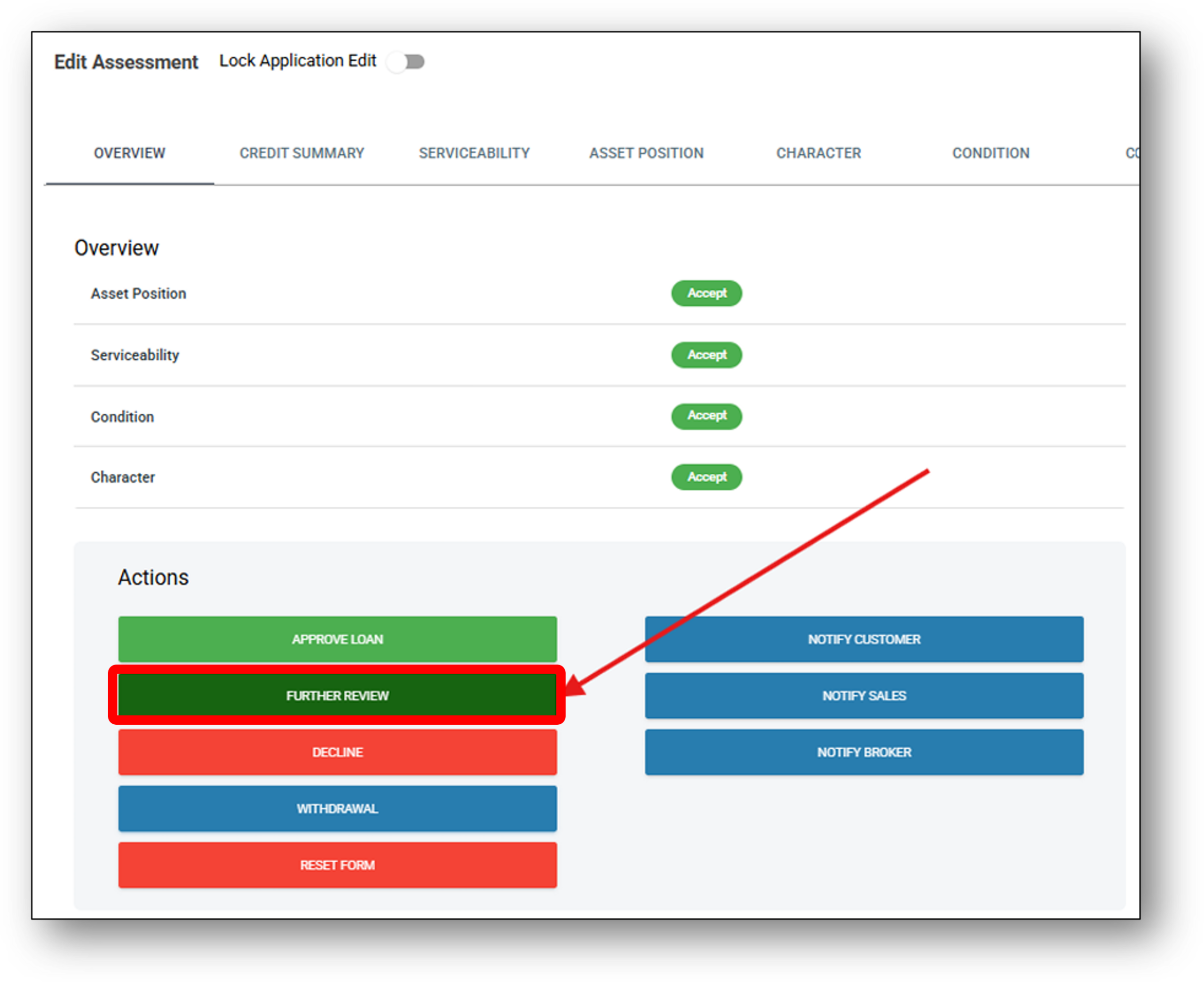
button and a darker green ‘Further Review’ button (see Image 2).
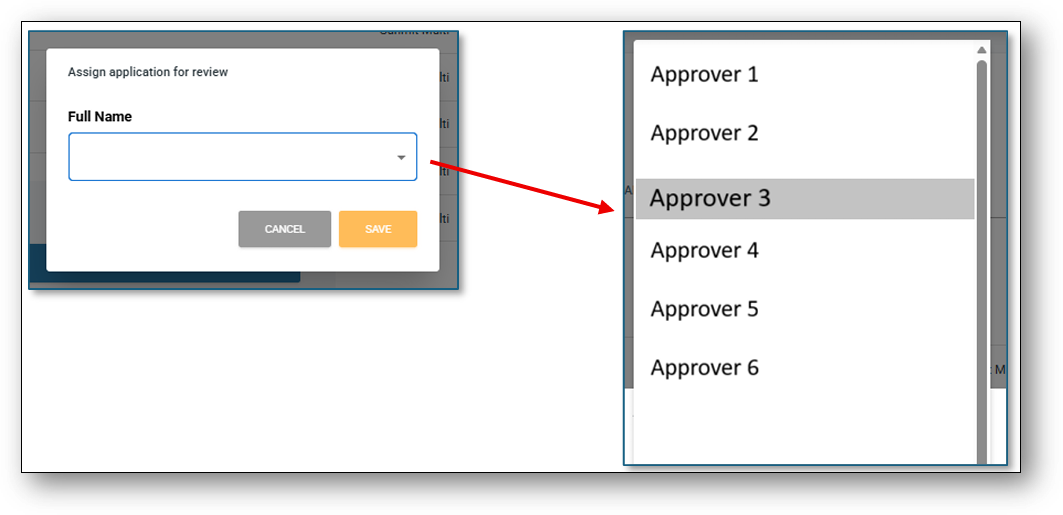
 Important Note: Only the list of staff members with ‘Assessment Edit’ access will be displayed. Access is managed through the Administration layer>User Access>Features tab (see Image 3).
Image 3
This sends an email notification which is configurable in the Marketing layer > Communications tab > Internal tab> Policy Exception accordion (see Image 4). When the email is sent to the nominated staff member, a note is also left on the Overview tab (see Image 5).
Image 4
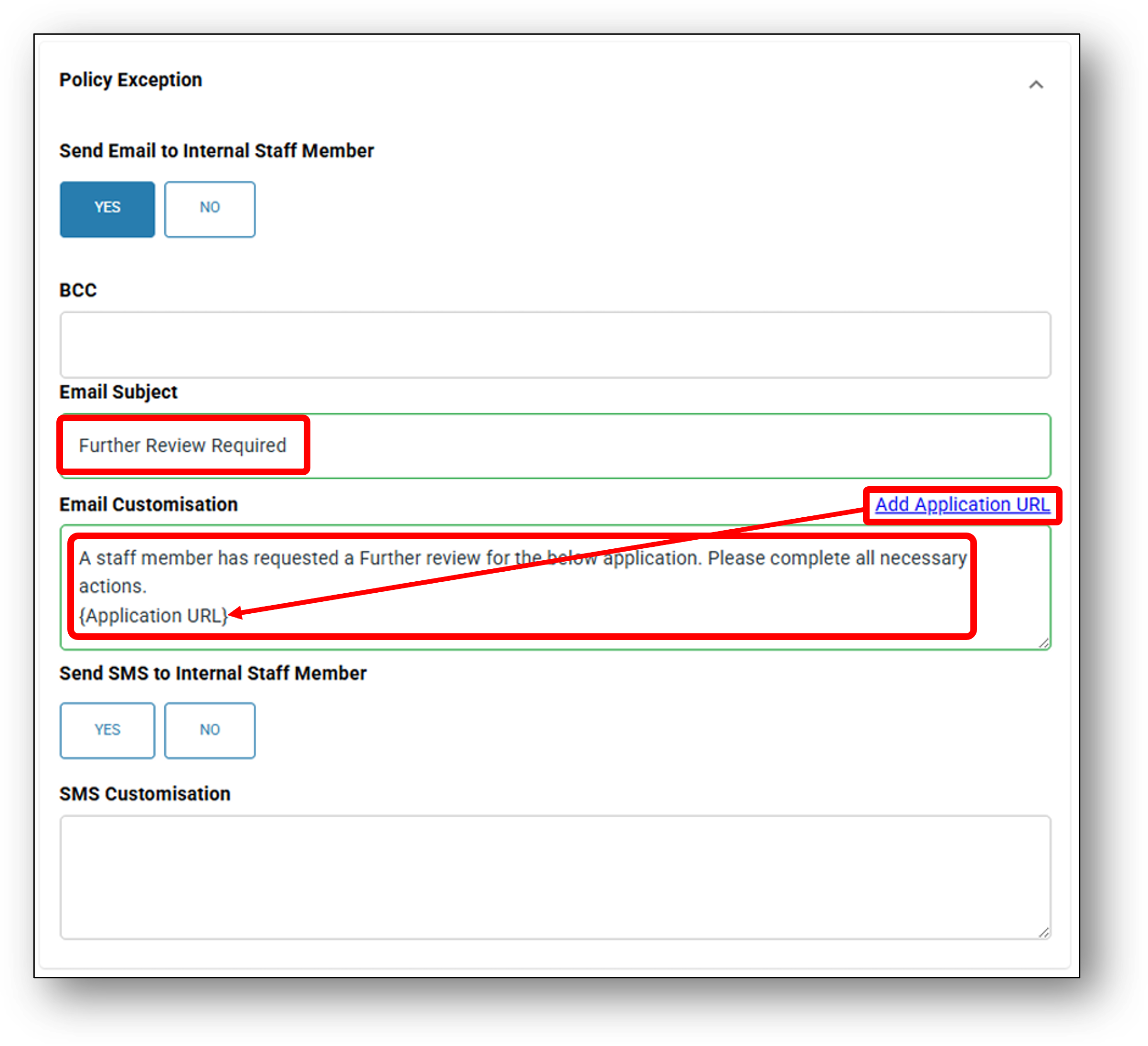
Image 5

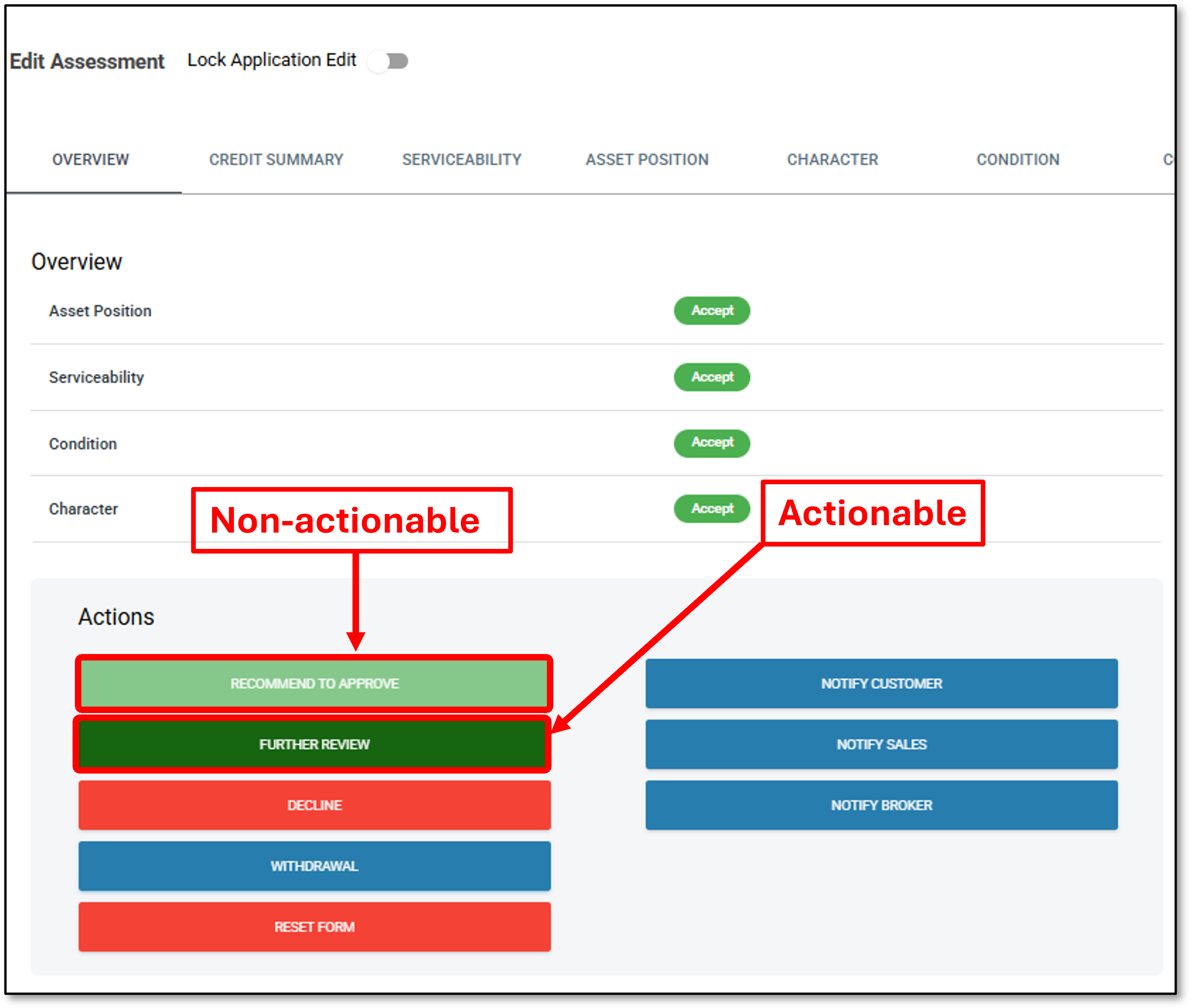
After the staff member has nominated an approver, they will see both; a non-actionable ‘Recommend to Approve’ button, and an actionable ‘Further Review’ button (see Image 6). The option to furher review allows the staff member to select an alternative approver if the first approver is unavailable.
Image 6
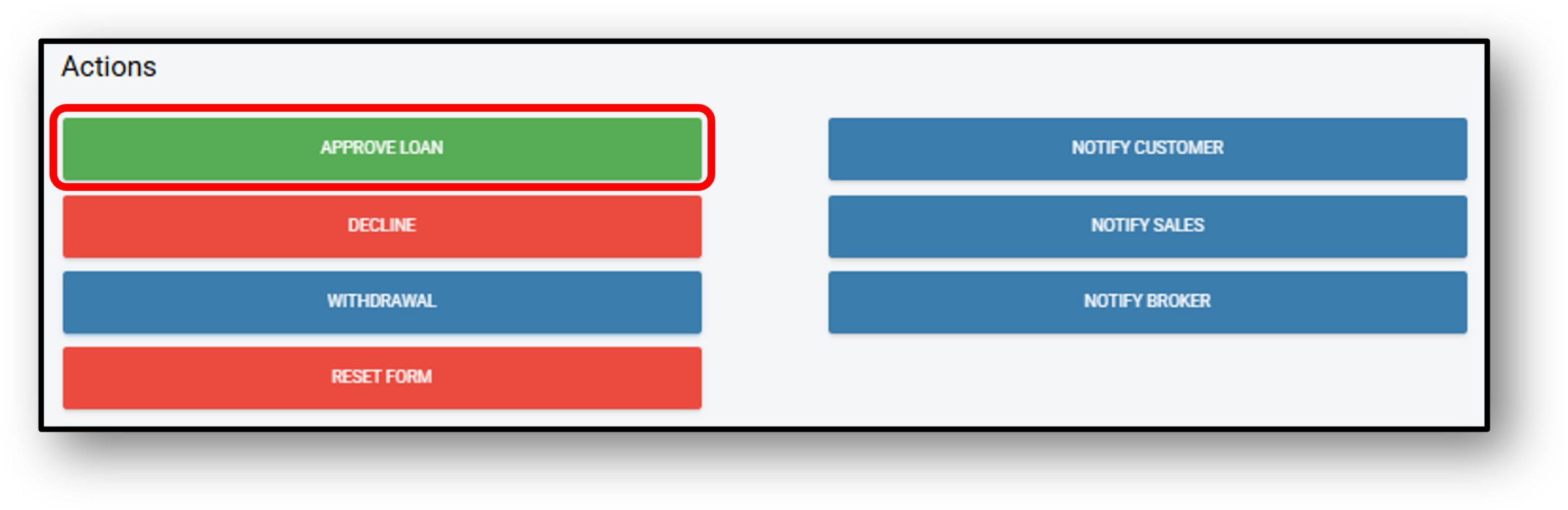
The nominated staff member (Approver) sees an ‘Approve Loan’ button (See Image 7) on the application in their staff portal. They can then review the relevant policies and, if all requirements are met, proceed to approve the loan.
Image 7