
Application- Company tab
(Commercial use only)
The Company tab focuses on the total income and expenses of self-employed or business customers.
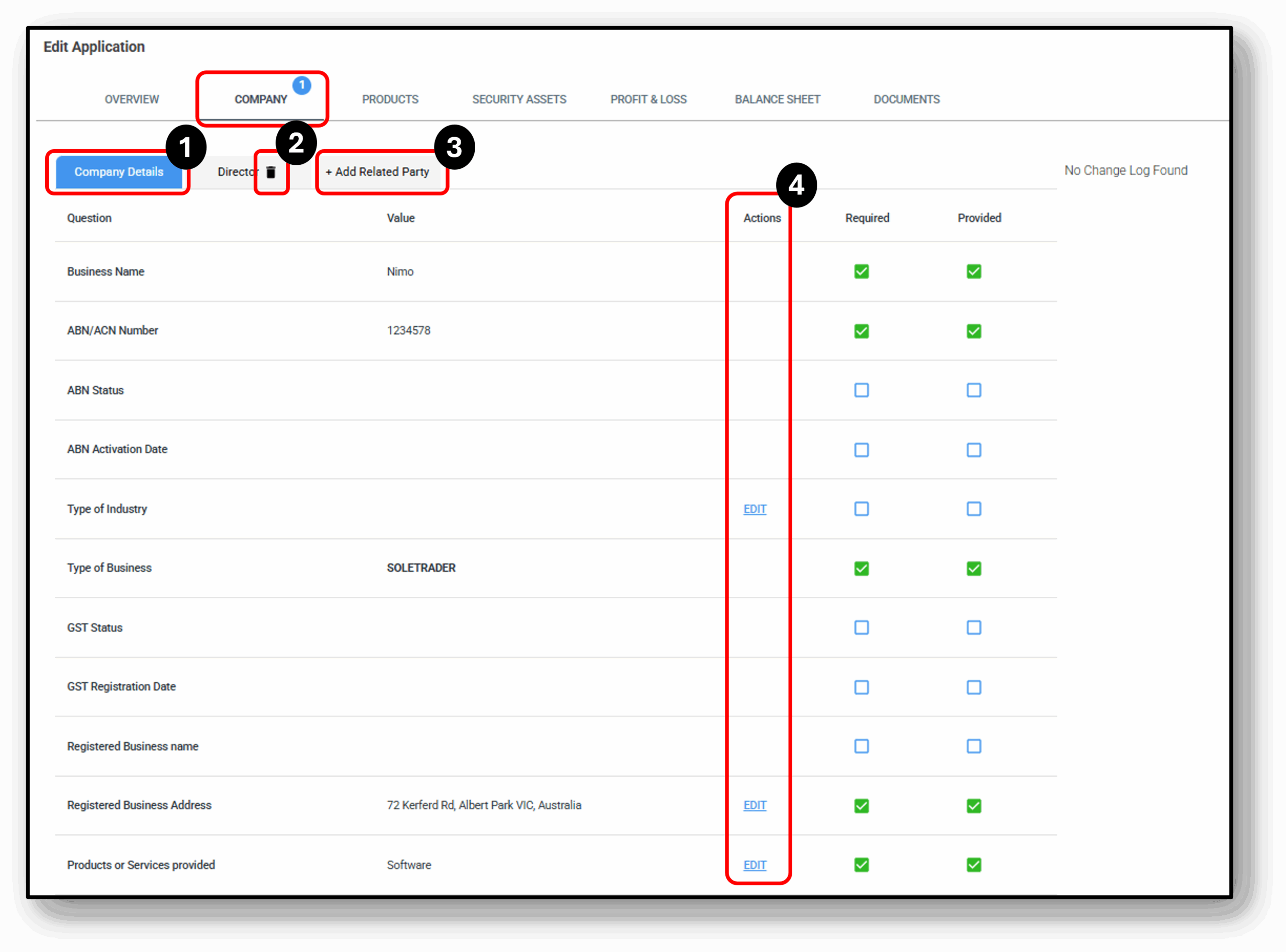

1. Company Details
Under the company, the user can expect to find the defining company details just like you would expect to for an applicant on a loan. Below is a list of the details that can be found:
- Business Name
- ABN/ACN Number
- ABN Status
- ABN Activation Date
- Type of Industry
- Type of Business
- GST Status
- GST Registration Date
- Registered Business name
- Registered Business address
- Products or services provided
- Net annual income
- Does this company have a trustee
Additional entities can be added and accessed as additional tabs at the top of this section.
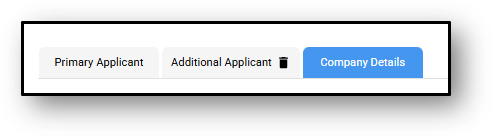
1. Delete Entity
User have the ability to delete an entity from the company tab by clicking on the ‘rubbish bin’ icon. They will be prompted once more for confirmation, and once they are deleted the action will appear in the audit log.
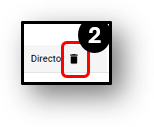
This action can not be undone.
3. Add Related Party
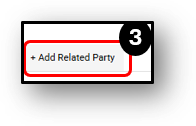
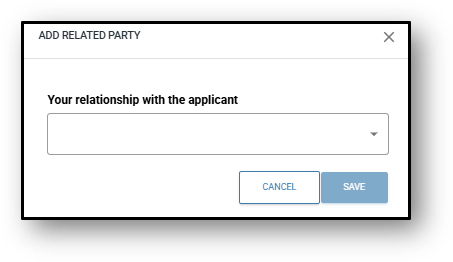
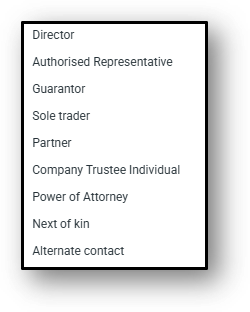
User can ‘+ Add Related Party’ to the company tab by clicking on the plus icon. You will then be asked to choose the related party type from the following list:
- Director
- Authorised Representative
- Guarantor
- Sole Trader
- Partner
- Company Trustee Individual
- Power of Attorney
- Next of Kin
- Alternate Contact
The user will need to manually update the related parties details by using the ‘Edit’ button under the ‘Actions’ column.
4. Actions/Edit
Frequenty Asked Questions
1. Why can I not edit some of the company or business details?
When you use the ABN or ACN lookup with ASIC, the data associated with the customers company or business is digitally trusted data and can not be edited. the details would need to be changed through ASIC first.