Internet Banking – Loan Repayments tab
This tab provides the user the ability to setup, modify or delete any recurring Direct Debit repayments that have been setup on the account.
Last updated: 06 January 2026
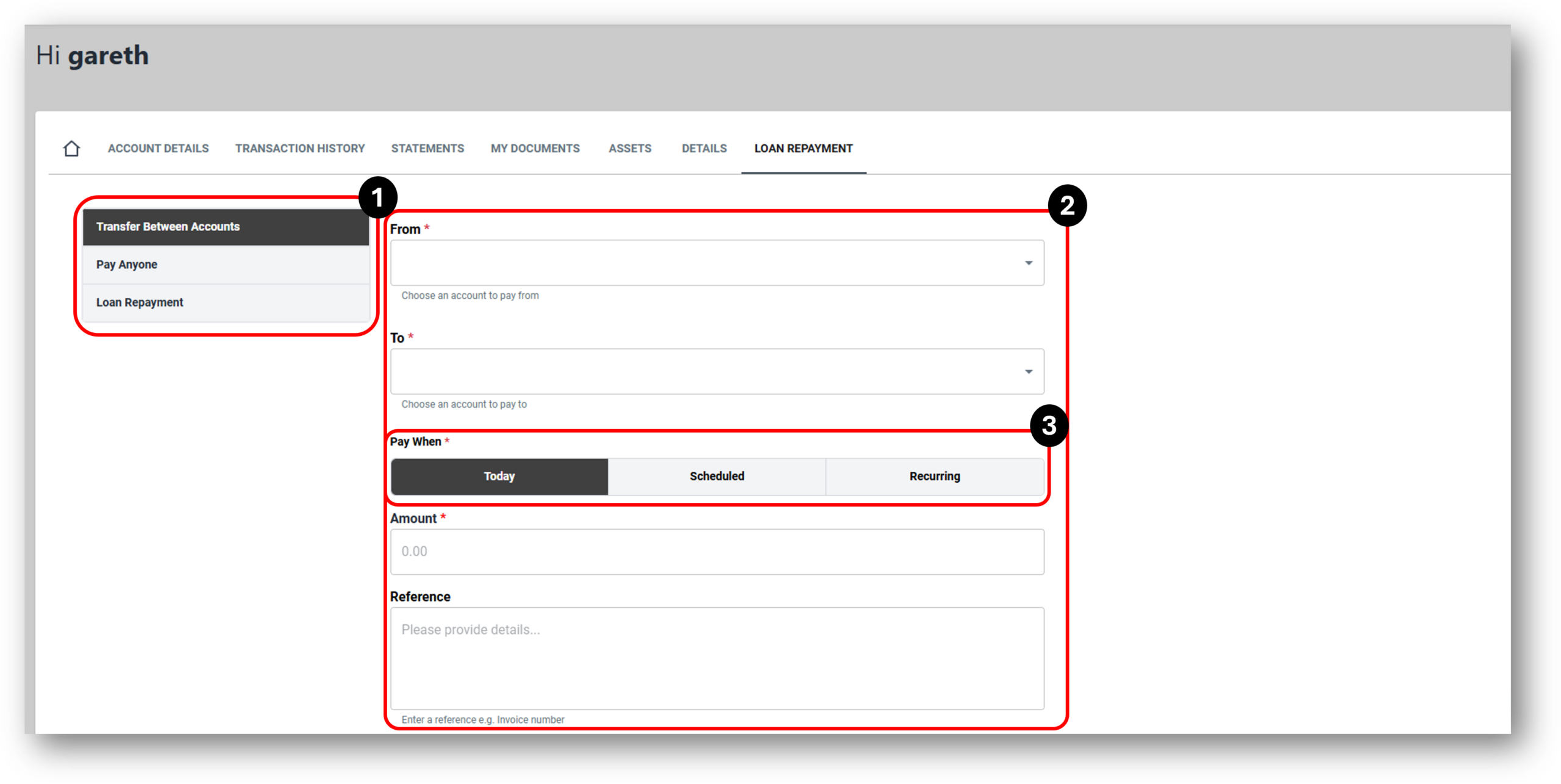

1. Payment Options
There are essentially re payment types withing the Loan Repayment tab for Internet Banking and they are:
- Transfer Between Account
- Pay Anyone
- Loan Repayment
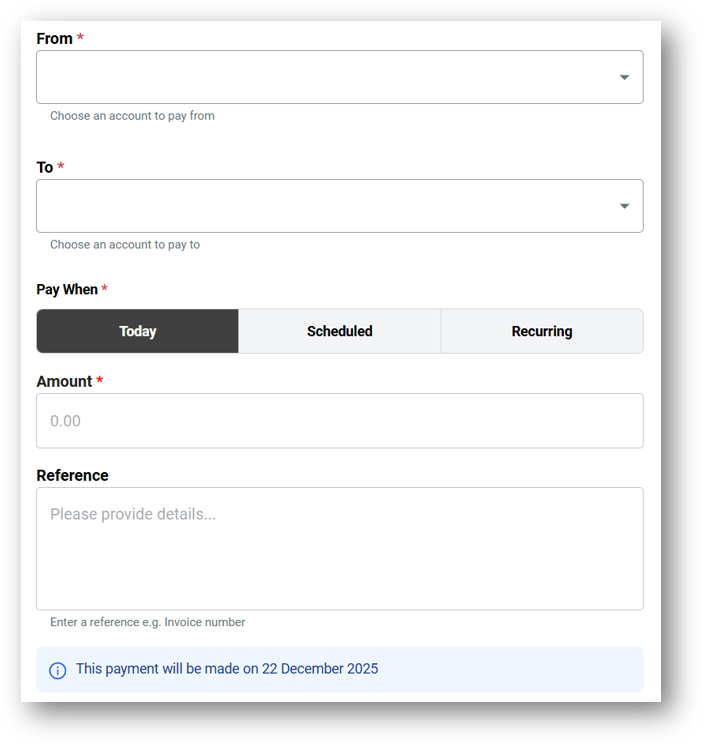
Transfers between accounts – uses existing accounts the customer has with the merchant to transfer funds between accounts. The account options will replicate what is possible. For example a loan account without the ability to redraw will not allow the customer to select that account to transfer from.
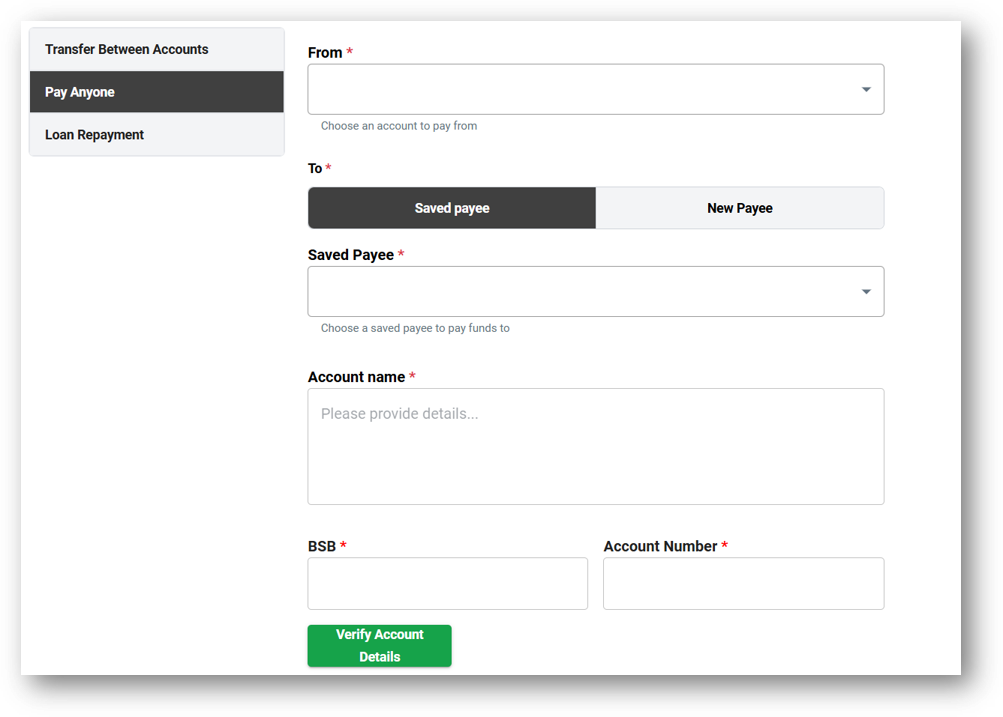
Pay Anyone – allows the user to pay anyone with a BSB and Account number outside of their accounts and their merchant. The Customer can also choose to save the payee for next time if its likely to be a reoccurring payment.
Verify Account Details – TBC
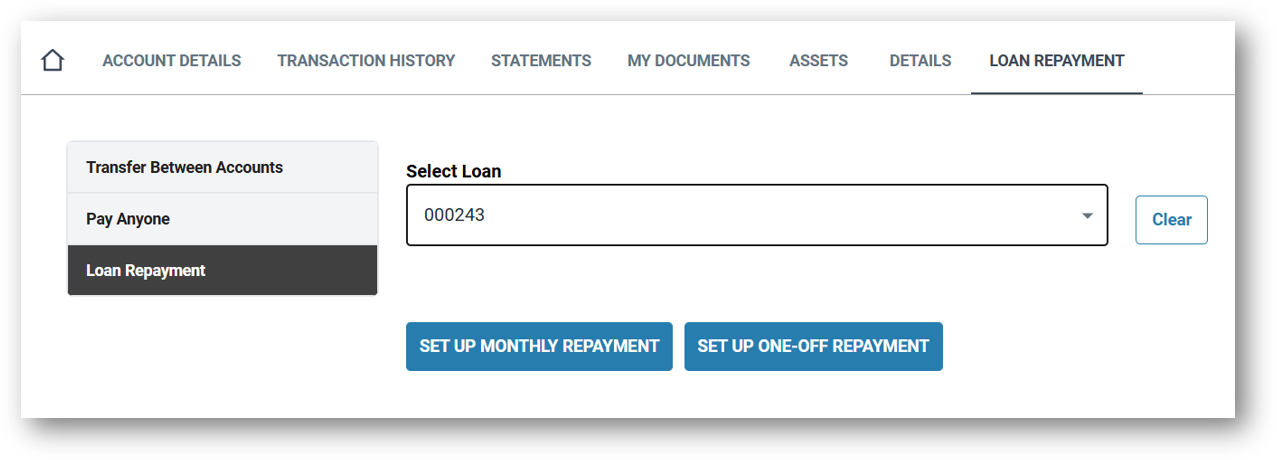
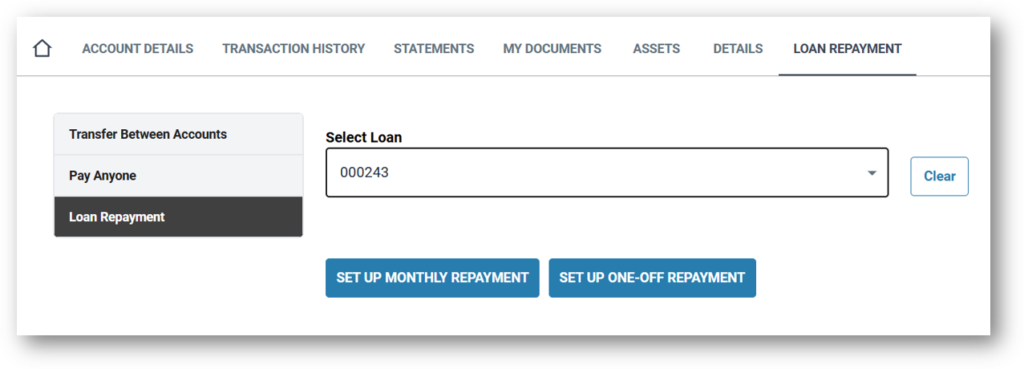
Loan Repayment – The customer can setup regular or one of payments to their loan.
Account Transfer image:
Pay Anyone image:
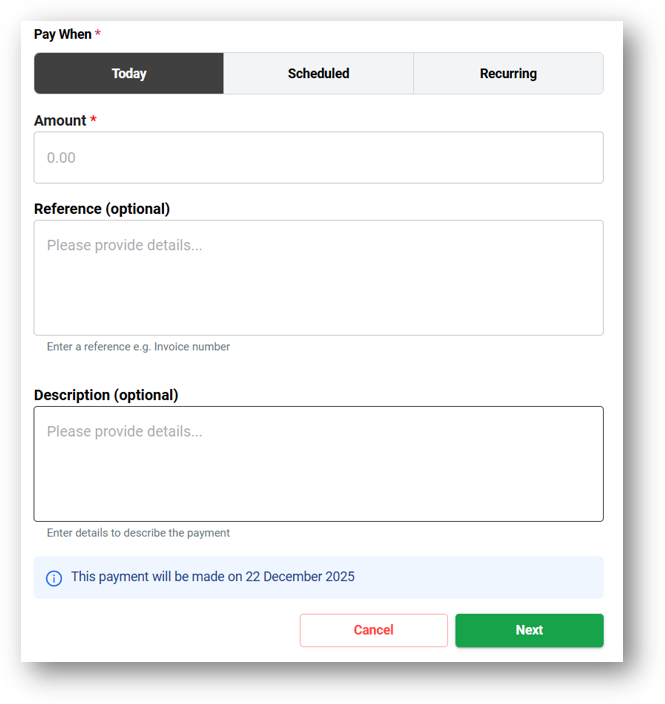
Loan Repayment image:
2. Repayment Details
Account Transfer image:
Pay Anyone image:
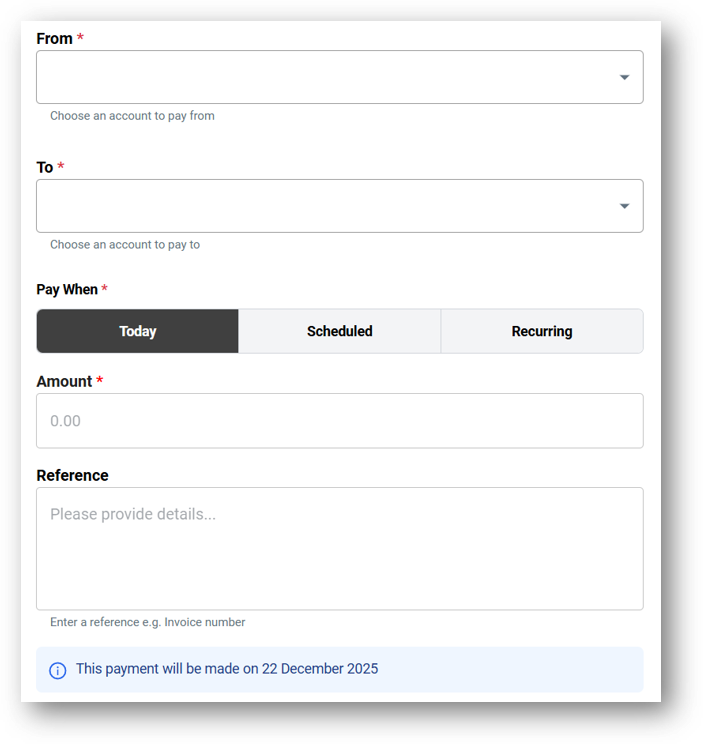
Loan Repayment image:
3. Repayment Frequency